Rotate & flip
Rotate in quarter turns from the toolbar (↺ / ↻), or freely while cropping (02 — Crop). Flip horizontally or vertically. The footprint box always hugs the rotated image — no empty band, never wider than the text column.
Original (landscape, unchanged)
A top-left, B top-right, C/D bottom, TOP at the top.
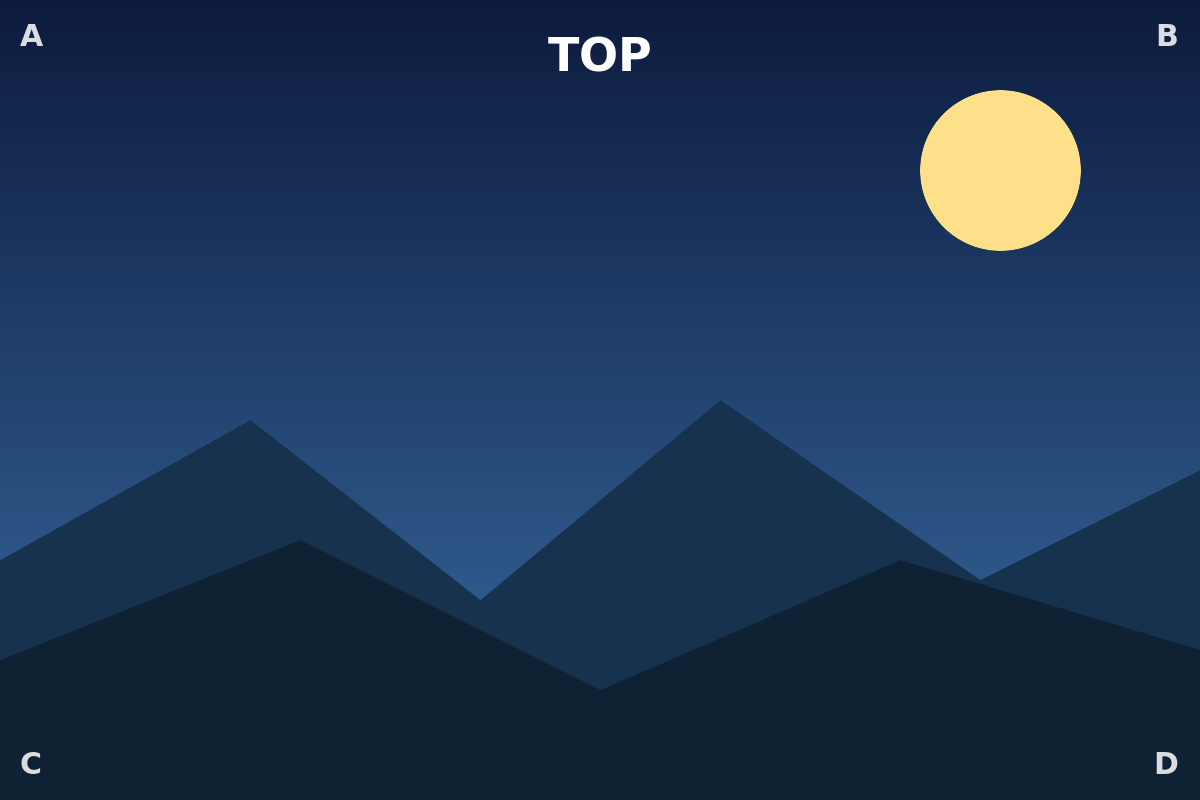
Rotate 90° clockwise
TOP runs down the right edge; the box is now portrait-shaped and hugs the image.
Rotate 180°
Upside down — TOP at the bottom, A bottom-right.
Rotate 270°
TOP runs down the left edge.
Flip horizontal (portrait)
TOP stays up, but left/right swap — A moves to the top-right, the text reads mirrored.
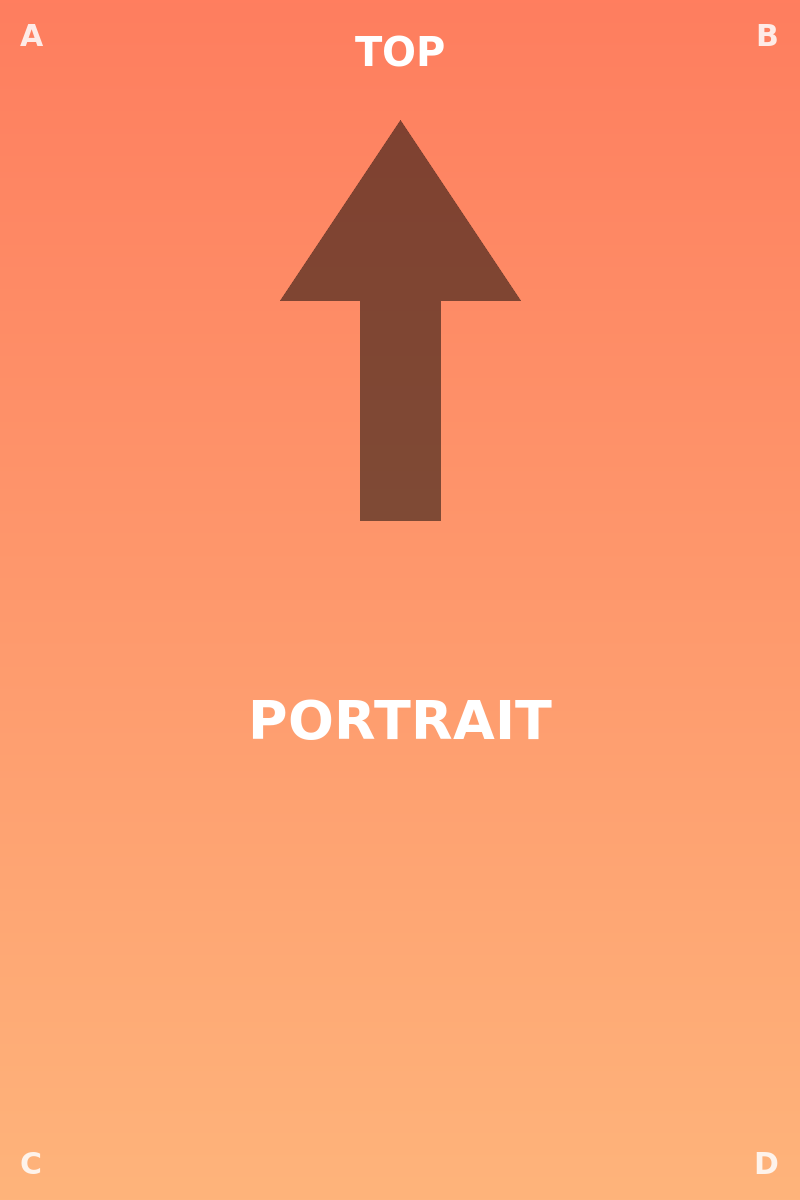
Flip vertical (portrait)
Top/bottom swap — TOP at the bottom, the arrow points down.
Rotate + flip together
Orientation composes: rotated 90° and flipped horizontally.