Filters
The filter button opens a panel with a live histogram and sliders grouped by purpose —
brightness, contrast, saturation, hue, blur, grayscale, sepia — plus named presets (B&W, sepia,
vintage, warm, cool). Double-click a slider to reset it. Filters are non-destructive (a CSS
filter, stored as a filter="…" block) and exported into the pixels on Export.
Original
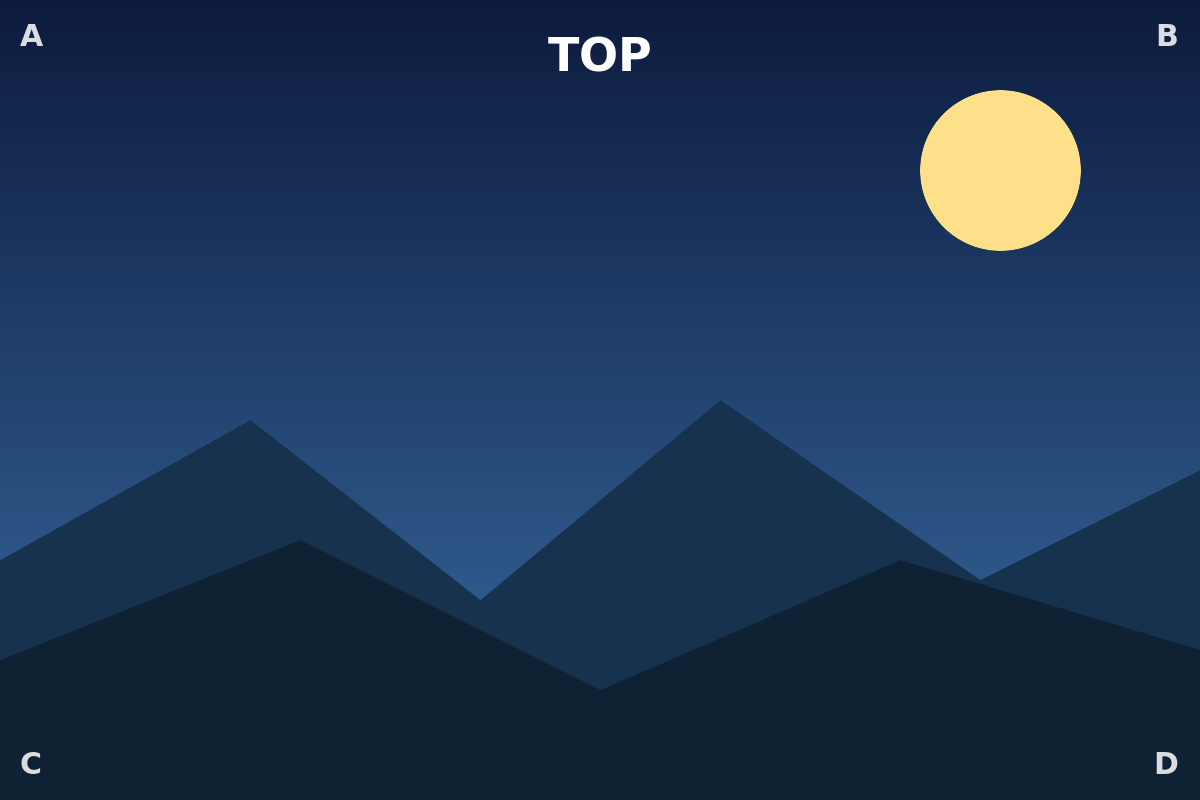
Grayscale
Sepia (the "sepia" preset)
Brighter + more saturated
Hue-rotated (the blue sky shifts)
Blur
Filter + transform together
Grayscale on a 90°-rotated image — content filter and orientation are independent.