Layout, float & wrap
The toolbar's Layout group is a flat set of six mutually-exclusive states (exactly one active):
block-left / block-center / block-right put the image on its own line — text above and below, no wrap;
float-left / float-right hug one margin and let the paragraph wrap around the side;
inline sits the image within a line of words, like a glyph.
Floating and wrapping behave the same in both Live Preview and Reading view. The choice is stored as the
HTML-faithful align=left|right (float), the align=block-left|block-center|block-right keys (block), or the
.lie-inline class (inline); legacy align=center / .lie-left|right|center notes still render unchanged.
A float only shows itself when there is enough running text to wrap around it — a single short line would just sit beside the image and stop. So the paragraphs under the floated images below are intentionally long: that volume is what lets you see the text hug the image edge line after line and then reclaim the full column width once it clears the bottom of the float. To keep the intent obvious, the roman sentences say what to look for and the italic text is throwaway filler that only exists to give the wrap something to do.
Float left — align=left
The image floats to the left margin and the paragraph wraps down its right side. Watch the left edge of each wrapped line stay flush with the image, then jump back to the full column width on the first line that clears the bottom of the float.
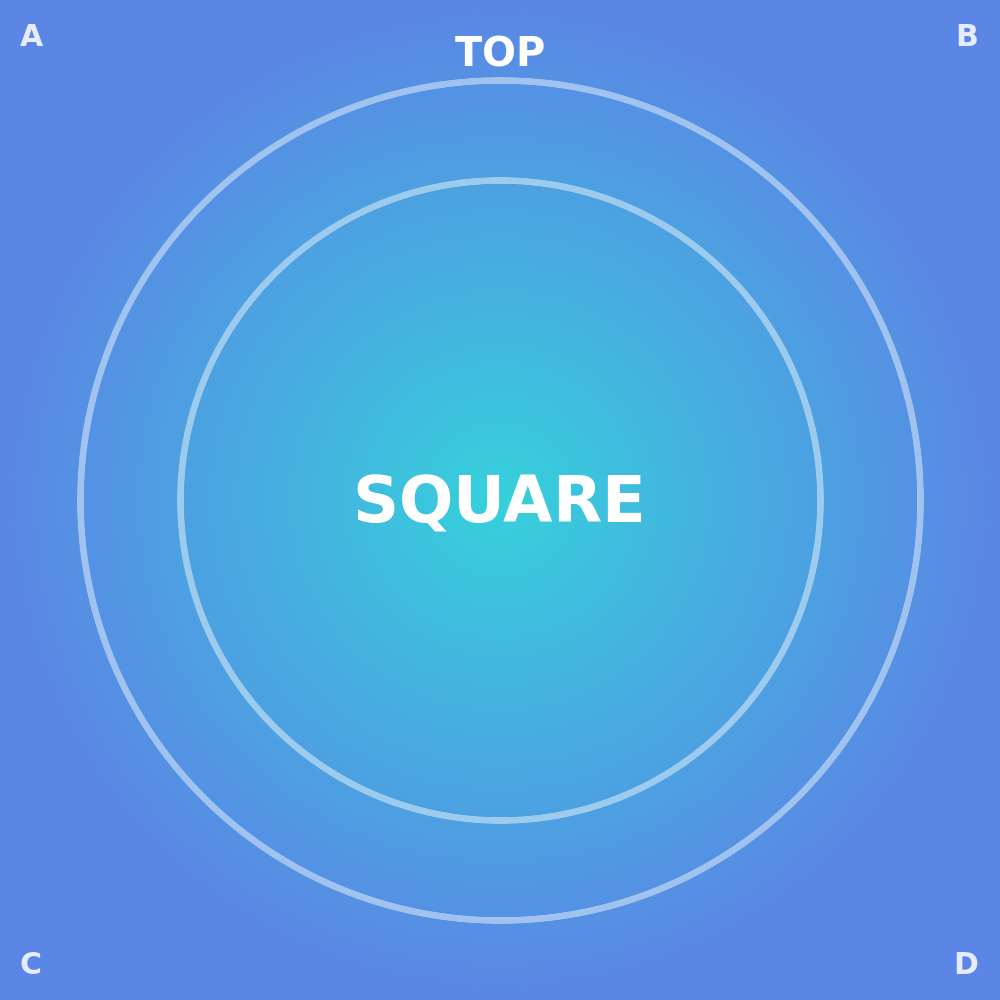 Each line of this paragraph begins at the right edge of the floated image and flows down its full height;
the moment the text runs taller than the image it wraps back underneath and reclaims the whole column.
And now, to have enough text to demonstrate the left float, some random filler: Lorem ipsum dolor sit amet, consectetur adipiscing elit, sed do eiusmod tempor incididunt ut labore et dolore magna aliqua.
Ut enim ad minim veniam, quis nostrud exercitation ullamco laboris nisi ut aliquip ex ea commodo consequat.
Duis aute irure dolor in reprehenderit in voluptate velit esse cillum dolore eu fugiat nulla pariatur.
Excepteur sint occaecat cupidatat non proident, sunt in culpa qui officia deserunt mollit anim id est laborum.
Each line of this paragraph begins at the right edge of the floated image and flows down its full height;
the moment the text runs taller than the image it wraps back underneath and reclaims the whole column.
And now, to have enough text to demonstrate the left float, some random filler: Lorem ipsum dolor sit amet, consectetur adipiscing elit, sed do eiusmod tempor incididunt ut labore et dolore magna aliqua.
Ut enim ad minim veniam, quis nostrud exercitation ullamco laboris nisi ut aliquip ex ea commodo consequat.
Duis aute irure dolor in reprehenderit in voluptate velit esse cillum dolore eu fugiat nulla pariatur.
Excepteur sint occaecat cupidatat non proident, sunt in culpa qui officia deserunt mollit anim id est laborum.
Float right — align=right
The mirror case: the picture pins to the right margin and the text wraps down its left side, so the ragged edge of the paragraph runs along the image instead of along the page.
Here each wrapped line ends at the image's left edge while its left margin stays at the column edge —
a good way to spot any off-by-one in the wrap gutter on the trailing side.
And now, to give the right-hand wrap enough to run along, some random filler: Sed ut perspiciatis unde omnis iste natus error sit voluptatem accusantium doloremque laudantium, totam rem aperiam, eaque ipsa quae ab illo inventore veritatis et quasi architecto beatae vitae dicta sunt explicabo.
Nemo enim ipsam voluptatem quia voluptas sit aspernatur aut odit aut fugit, sed quia consequuntur magni dolores eos qui ratione voluptatem sequi nesciunt.
Neque porro quisquam est, qui dolorem ipsum quia dolor sit amet.
Block, centered — align=block-center
Not a float at all: the image becomes a block on its own line, centered in the column, with text sitting above and below it rather than beside it.
This case needs far less text than a float — there is nothing to wrap around —
so a short paragraph is enough to prove that the surrounding text simply stacks above and below and never pulls up alongside the picture.
(The block states block-left and block-right behave identically but flush the image to that side; legacy align=center still reads as block-center.)

The paragraph after the image starts fresh on its own line at full column width. And, just to put a few words below the block, some random filler: At vero eos et accusamus et iusto odio dignissimos ducimus qui blanditiis praesentium voluptatum deleniti atque corrupti quos dolores et quas molestias excepturi sint occaecati cupiditate non provident.
Inline — .lie-inline
The image is shrunk to text height and flows within the line like an oversized glyph —
aligned with the surrounding words and never breaking onto its own line.
No wrapping paragraph is needed here;
the whole point is that the image does not claim its own block, so a single sentence with the image dropped into it is exactly the test.
Hardest case — rotated, floated right, text wraps
The stress test for the footprint box: the image is rotated 90° and floated right, so the text must wrap the image's rotated bounding box — its visible width after the quarter-turn — with no clipped band and no empty gap. If the wrap followed the pre-rotation width instead, the text would either overlap the image or leave a dead strip beside it; it should do neither.
Trace the right-hand wrap line down past the rotated image and check that it follows the visible edge, not some larger invisible box around it.
And now, to give the wrap enough text to trace the rotated edge, some random filler: Lorem ipsum dolor sit amet, consectetur adipiscing elit, sed do eiusmod tempor incididunt ut labore et dolore magna aliqua.
Ut enim ad minim veniam, quis nostrud exercitation ullamco laboris nisi ut aliquip ex ea commodo consequat.
Duis aute irure dolor in reprehenderit in voluptate velit esse cillum dolore eu fugiat nulla pariatur.
Excepteur sint occaecat cupidatat non proident, sunt in culpa qui officia deserunt mollit anim id est laborum.
Hardest case — cropped, floated right, text wraps
The same stress test for a crop: a centred square cut floated right. The cut must stay sharp while the image floats, and the text must wrap the cropped footprint rather than the original image box.
Check two things at once: the square cut is still crisp — no blur introduced by the float or the wrap — and the text wraps the 200px cut, not the full uncropped image behind it.
And now, to have enough text to wrap the cut, some random filler: Sed ut perspiciatis unde omnis iste natus error sit voluptatem accusantium doloremque laudantium, totam rem aperiam, eaque ipsa quae ab illo inventore veritatis et quasi architecto beatae vitae dicta sunt explicabo.
Nemo enim ipsam voluptatem quia voluptas sit aspernatur aut odit aut fugit, sed quia consequuntur magni dolores eos qui ratione voluptatem sequi nesciunt.